
Picking The Right Affiliate Plugin For Shopify

Choosing a Shopify affiliate plugin can feel a bit confusing, especially if you’re unsure where to begin. With so many tools out there, figuring out what actually works with your setup takes more than just scrolling through feature lists.
When managing an affiliate program on Shopify, you need a system that doesn’t just track referrals but actively supports your partners. Unlike other platforms, Shopify has specific rules for how apps interact with the checkout and theme, which means the “behind the scenes” mechanics are worth paying attention to. Using a platform like iDevAffiliate, which offers a dedicated Shopify app that integrates directly into your store with a built-in onboarding wizard, can make this process feel straightforward and professional from day one.
If you’re trying to pick the right tool without chasing temporary fixes later, it helps to take a step back. Let’s walk through the factors that matter most so you’re not left guessing what’s actually worth your time.
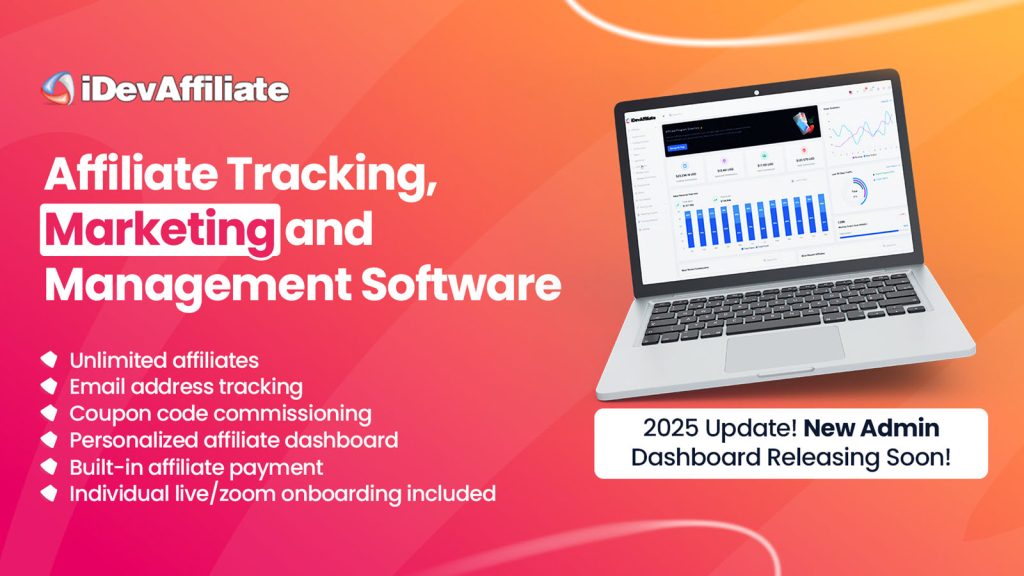
Figuring Out What Your Affiliate Program Needs
Before grabbing the first plugin you find, think through how your program actually operates. Every brand has a different “flavor” of affiliate marketing, and your software should match it.
We recommend reviewing these areas first:
- Scale of your network: Are you managing 10 close partners or 1,000+ influencers?
- Tracking methods: Do you need referral links, unique coupon codes, QR codes or offline content?
- Commission structures: Do you offer flat fees, percentage-based rates, or tiered rewards that increase as affiliates hit sales targets?
- Payout management: Who handles the payments, and is there an automated way to process them through PayPal or store credit?
The goal is to understand your “must-haves” vs. “nice-to-haves.” For example, if you sell high-ticket items, you might need a plugin that handles long cookie durations or multi-step funnels to ensure your affiliates get credited for sales that take longer to close.
Create Your Affiliate Program
Instant account set up. All features unlocked in base plan. Professional onboarding included.
How Shopify Works With Affiliate Tools
Shopify handles store customization through a specific webhook/API system. This can affect how your affiliate plugin functions, particularly regarding tracking accuracy and store speed.
Key technical points to consider:
- Checkout integration: Shopify’s checkout is highly secure. Ensure the plugin uses the Shopify Pixel or Privacy API to track conversions accurately without slowing down the customer’s purchase flow.
- Theme compatibility: Look for “Built for Shopify” apps. These are vetted for speed, security, and the ability to work naturally with Shopify’s latest themes (Online Store 2.0) without requiring you to edit custom code.
- Automated triggers: A good plugin should automatically detect refunds or canceled orders so you don’t accidentally pay commissions on returned items.
What to Look for in a Plugin’s Interface
A plugin shouldn’t make your life harder before it makes things easier. That starts with the setup and the “portal” experience for your partners.
When testing new tools, look for:
- The Onboarding Wizard: A self-guided setup process that doesn’t require back-end tweaking or coding.
- Affiliate Dashboard: A branded portal where your partners can log in to find their links, download marketing banners, and see their real-time stats.
- Ease of Reporting: As an admin, you should be able to see which products are trending and which affiliates are your top performers with just a few clicks.
- Live Zoom onboarding with a product specialist to ensure things are setup and configured properly.
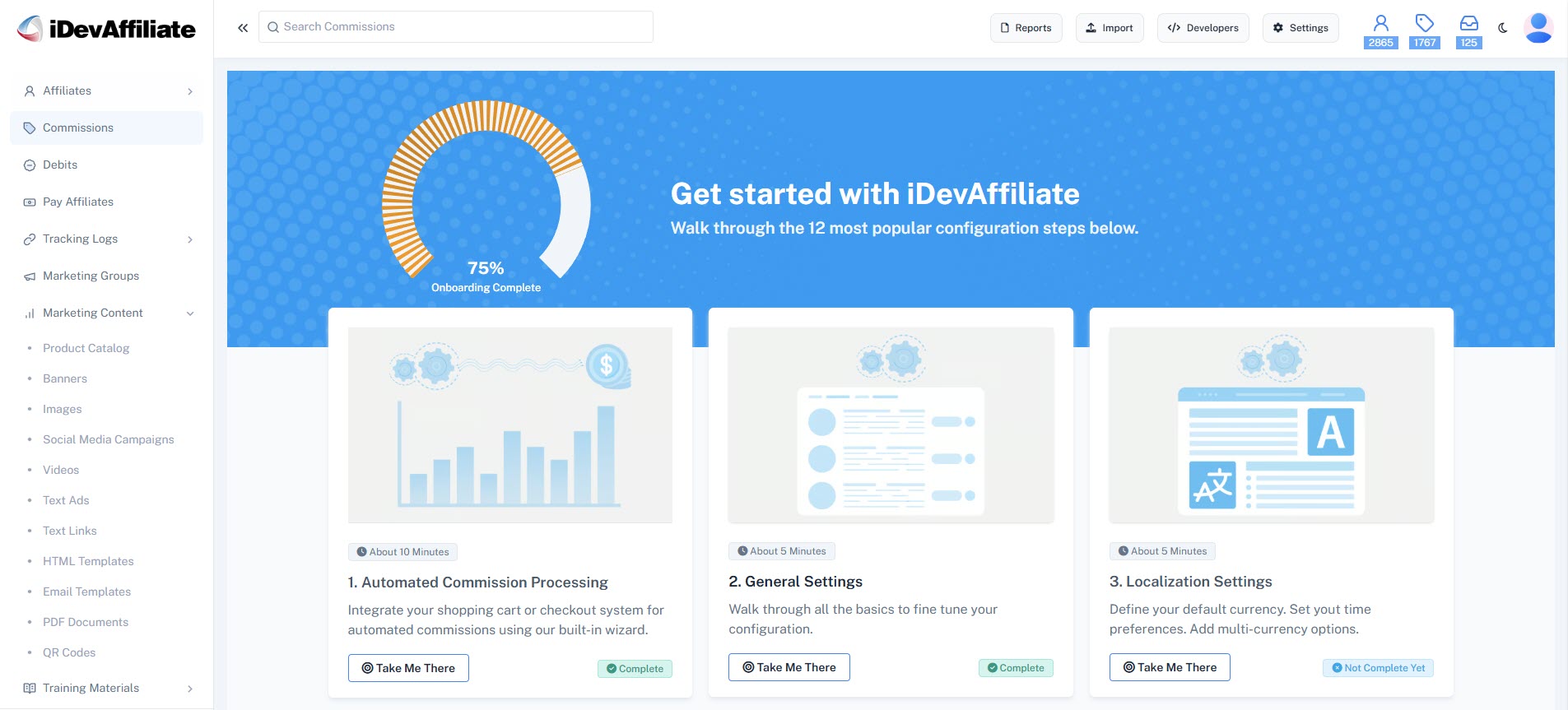
With iDevAffiliate, for instance, the integration lets you manage specific commission options—like coupon code tracking or product-level rates—directly from a centralized admin panel. If reviewing reports feels like a chore, it will be difficult to scale your program later.
Common Hurdles After Setup
Some issues only show up once the tool is live. These can be frustrating because they often hide under the surface until an affiliate flags a problem.
Common issues to watch for:
- Tracking Gaps: If an app isn’t GDPR or CCPA compliant, privacy-focused browsers might block the tracking scripts, leading to missed conversions.
- Coupon Leaks: Ensure the plugin has fraud protection to prevent “coupon abuse” from sites that scrape codes and offer them to customers who didn’t come through an affiliate.
- Reporting Lag: Some apps have a delay in reporting sales. Real-time analytics are always preferred to keep your affiliates engaged and motivated.
It’s helpful to run “test orders” after setup. Use a few pretend referral clicks to see how the system assigns the commission and if the notifications arrive as expected.
When to Switch or Upgrade Your Tools
No plugin should need constant “babysitting.” If you find yourself spending more time fixing the app than recruiting new partners, it may be time to move on.
Signs it’s time for an upgrade:
- You are manually processing every single payout.
- Your affiliates are complaining about missing tracking data more than once.
- The software doesn’t allow for advanced features like “convert customers to affiliates” post-purchase.
Make a Smart Pick That Pays Off
Setting up strong affiliate tracking with Shopify takes a bit of prep, but once it’s in place, the system should run smoothly in the background. A good plugin should track who sent what, manage your data, and help you pay out on time.
At iDevAffiliate, we have seen how the right setup saves hours of work by aligning with your specific product structure and payout style. Taking the time to match your affiliate plugin with the way your store actually runs—rather than just picking the cheapest option—makes a massive difference as your program grows.
Create Your Affiliate Program
Instant account set up. All features unlocked in base plan. Professional onboarding included.
Frequently Asked Questions (FAQs)
You may also like

How to Set Up an Affiliate Program on BigCommerce

How to Set Up an Affiliate Program on WooCommerce

How to Set Up an Affiliate Program on Shopify

First Steps: 6 FREE Marketing Ideas For Your New Affiliate Program
Create Your Affiliate Program
- Unlimited Affiliates
- Unlimited Commissions
- Built-In SEO Links
- Social Media Sharing
- Affiliate Program Directory
